Promote what you love. Skip the stress.
Affiliate promos, done in minutes. Your AI picks a bonus that gives people a reason to buy through YOUR link, then writes your emails and posts in your voice and hands them to you. You read it and hit send.
It drafts. Nothing gets sent or posted unless you do it yourself.
Sound familiar?
- > swipe_email_v1The creator sent a swipe email. So did every other affiliate. Same words, same day, same inbox.
- > 11:52pmCart closes at midnight and you just remembered you signed up to promote it. (Icon behavior.)
- > bonus???Other affiliates are offering a shiny bonus. You're offering... good vibes and a link.
Promoting someone else's offer shouldn't take longer than making your own. Pick the bonus, pick the angle, and let your AI do the typing.
Feel weird selling your own stuff?
Lots of people do. Funny thing: sharing someone else's cool stuff often feels easier. You're just pointing at something good, the way you'd tell a friend about a great find. Affiliate money is real money too, and a bonus from you gives people one more reason to buy through your link.
Three helpers in one kit
Start with whichever one you need today. Not sure? Say "you pick" and it chooses, with the reason. Bonus first, then words: every email and post gets written around your bonus, so the reason to use your link shows up everywhere.
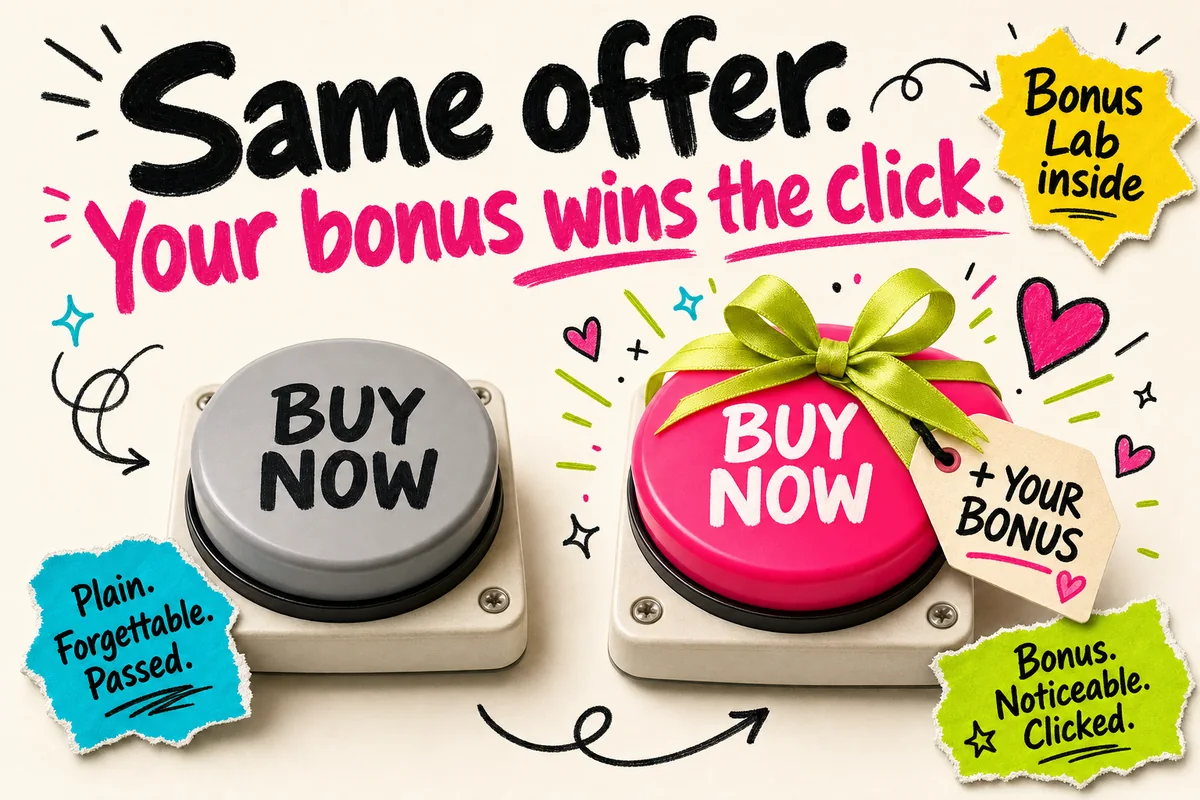
Bonus Labwhy buy through YOU
It checks five bonus strategies against your offer, asks what you can build and how much time you have, then gives you named bonus ideas with build steps and an honest "if sold separately" value. It never suggests something you can't make.
Promo Emailsone at a time
It reads where your people's heads are this season, shows you 3 to 5 angles with one it recommends, then writes one email at a time in your voice. Each one comes with 3 subject lines, 3 P.S. options and the disclosure line right before the first link.
Promo Packposts, DM, script
From the same angle: a long post, a short post, a DM reply, a short video script and a swipe you can grab from all week. Want a picture? You get a ready-to-paste picture prompt (or, in a folder app, it can make one with your own key, after it asks).
Promote all year. Not just Black Friday.
A January fresh-start course, a spring bundle, a summer slow-season tool, a back-to-school summit, Black Friday. The kit knows what your people are feeling each month and writes for that, or skips the season talk completely when you want a promo that works any time.
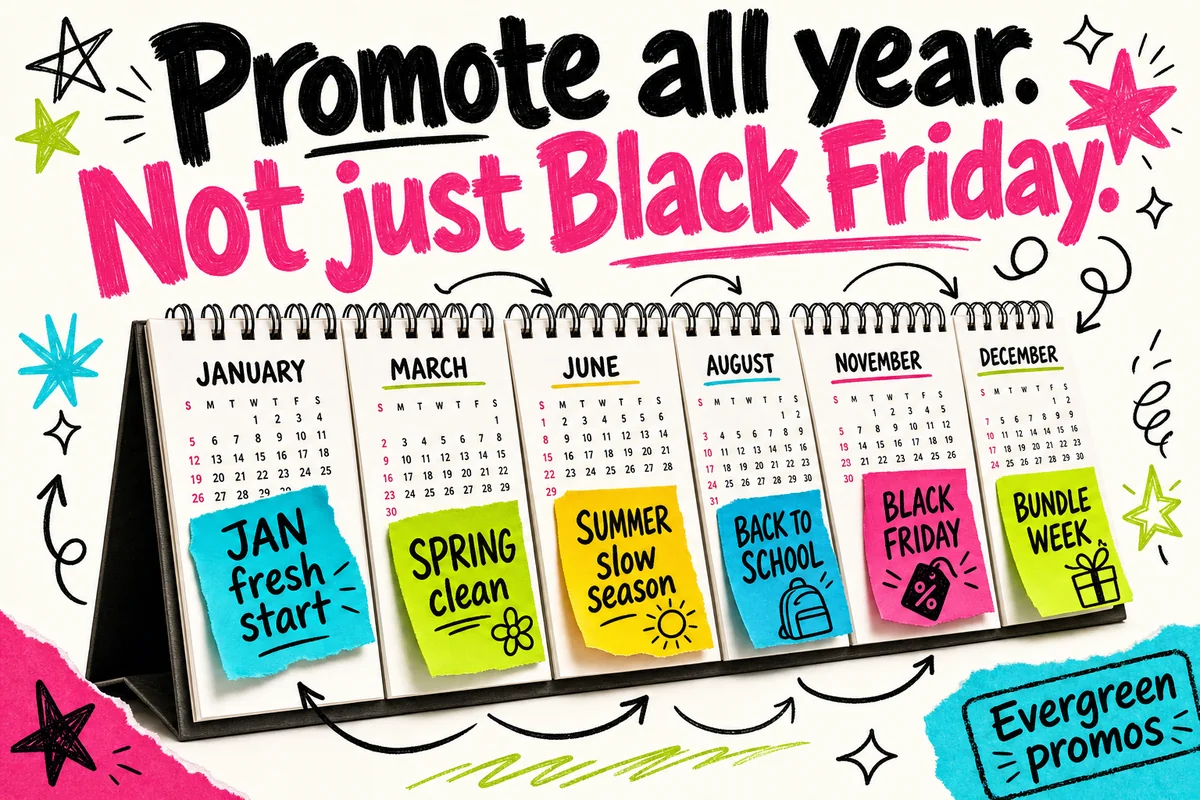
Got a dated push, like a bundle week or a sale? It lays every email and post onto the real open and close dates you give it. No real date? No countdown. Simple.
Tease, no link if it isn't live yet
"Something's coming"
Greatest hits or peek inside
Long post, DM reply ready
Quick win or value gap (real numbers only)
Short post, video script
Last call
"Last day" post
Optional "here's what's next" note
Nothing. You rest.
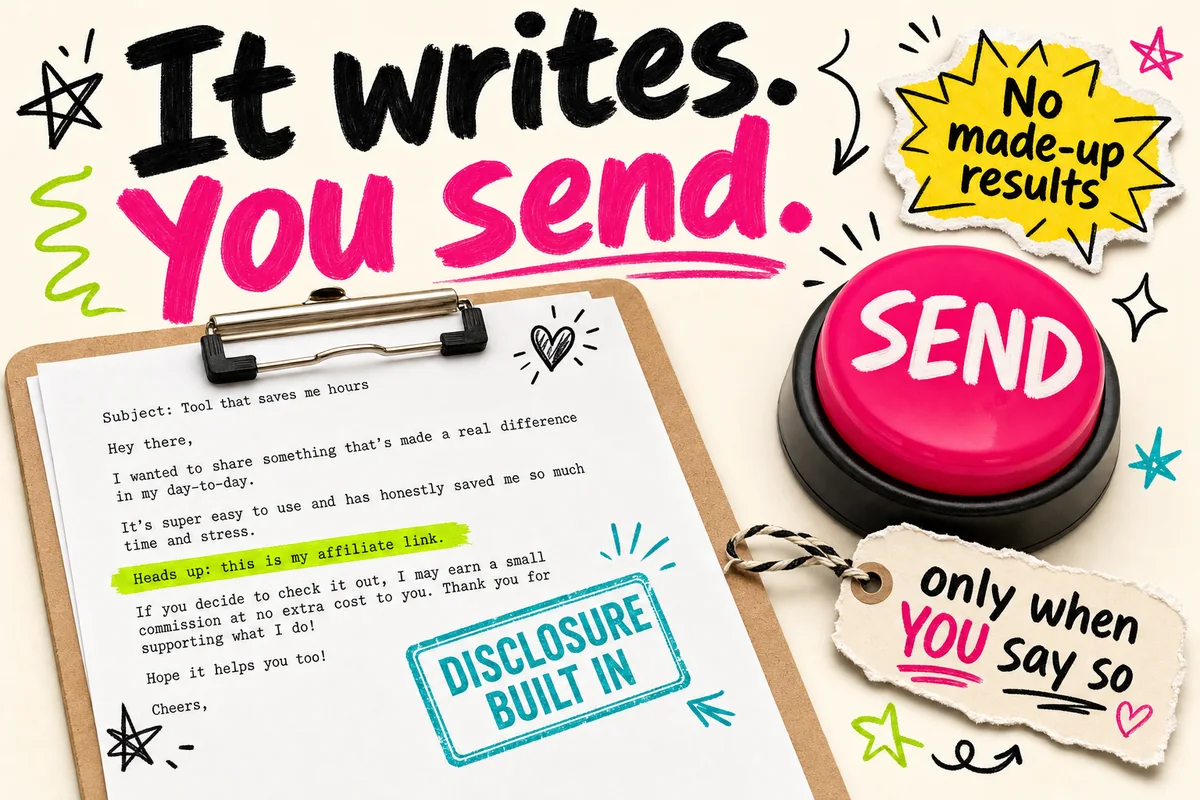
It writes. You send. That's the deal.
You stay in charge of every email and every post. The kit does the thinking and the typing, then hands it to you.
Every email, post, DM and script with your link gets a plain "this link pays me" line in your voice, right before the first link.
It saves your settings and a promo card for each offer, so you never answer the same questions twice.
It never sends, posts, schedules or publishes anything. You do that yourself.
It never makes up a result, a testimonial or an income claim. Countdowns only come from real dates.
Grab your kit
Bonus Lab, Promo Emails, Promo Pack with the seasonal and bundle planner, and optional promo pictures. Works in Claude, ChatGPT, Claude Code, Codex and the AI Engine.
What happens after you buy
Check your email
Your download link lands in your inbox in a minute or two. Grab your files (the kit zip and the 2-page Quick Start) and go from there. Keep the zip zipped.
Add it once
Follow Step 1 in the Quick Start for your app. About 3 minutes, one time.
Say one sentence
Open a new chat and say "Start my affiliate promo kit." Five quick setup steps, then your first bonus idea or email.
Questions you might have
Tap a question to open it.
Which apps does it work in?
Claude and ChatGPT (you add one zip, one time), Claude Code and Codex (the folder way), and the AI Engine. The 2-page Quick Start shows the steps for each one. Adding it takes about 3 minutes.
In a chat app you get a small settings card to attach at the start of each new chat. In a folder app it remembers your settings, promo cards and drafts on its own.
Is it only for Black Friday?
No. It works for any offer you promote, any month: launches, bundles, summits, sales, or an evergreen course you share all year. Black Friday is just one of the seasons it knows.
I've never done affiliate marketing. Can I use this?
Yes. Setup is 5 short steps, one or two questions at a time, with examples when you're stuck. "Not sure" and "you pick" are always fine answers.
You'll need one thing first: an offer you're approved to promote, and your affiliate link. Lots of creators you already buy from have an affiliate program (look for "affiliate" or "partners" at the bottom of their website). Coaching That Clicks has one too: coachingthatclicks.com/affiliate.
Who is it NOT for?
If you want something that blasts emails and posts on autopilot, this isn't it. It hands you drafts. It also won't find affiliate programs for you (you bring the offer and your link), and there are no income promises here, on purpose.
Do I need a key to make pictures?
No. Pictures are optional, and it always asks first. Without a key, you get a ready-to-paste picture prompt for Canva, ChatGPT or whatever picture tool you already use.
In Claude Code, Codex or an AI Engine it can walk you through your own OpenAI or OpenRouter key, one step at a time. The key stays in a private file on your computer, never in the chat. Pictures cost a little on your own account (usually a few cents each), and it asks before making any.
Does it add the affiliate disclosure for me?
Yes, every time. A plain line that your link pays you goes right before the first link in every email, post, DM reply and video script. You can make it sound more like you, but it won't leave it out. The rules where you live are still yours to check.
What do I get when I buy?
The kit as one zip, a 2-page Quick Start PDF, and an "Other ways" folder with the versions for Claude Skills, Claude Code or Codex, and the AI Engine. Your download link comes by email. It's $17, one time.
What if I get stuck?
Take a screenshot and ask your AI. It can see what you see and tell you the next click. Still stuck? Post in the free Coaching That Clicks Facebook group. Purchase or download trouble? Email [email protected].